How do I find the status of my building or resource consent on CODC website?
1. Open the CODC GIS mapping system: GIS Maps
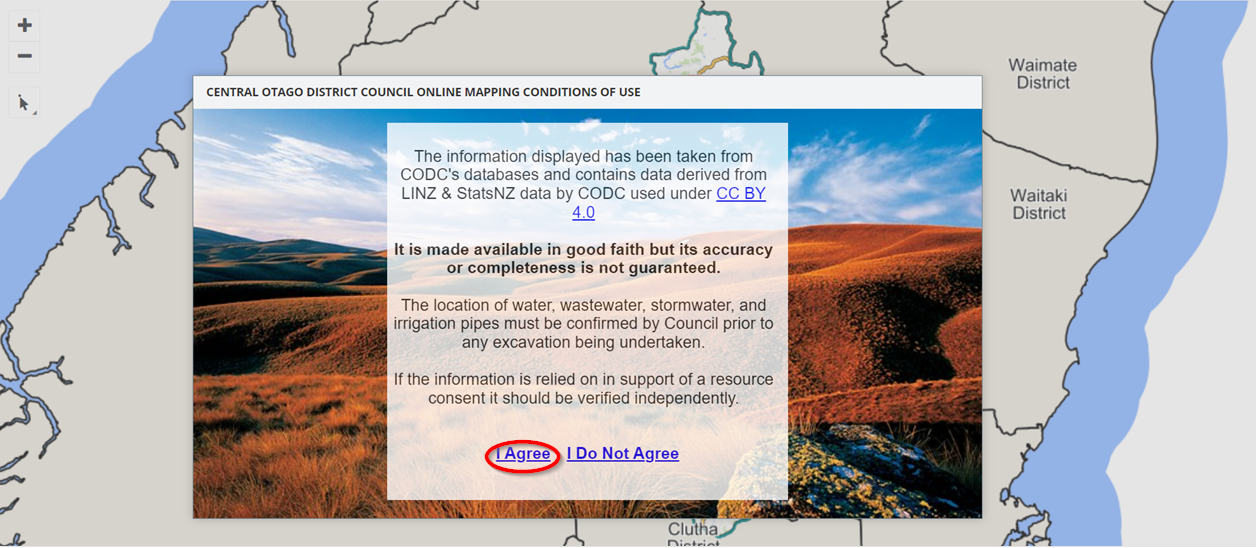
2. Select 'I agree'
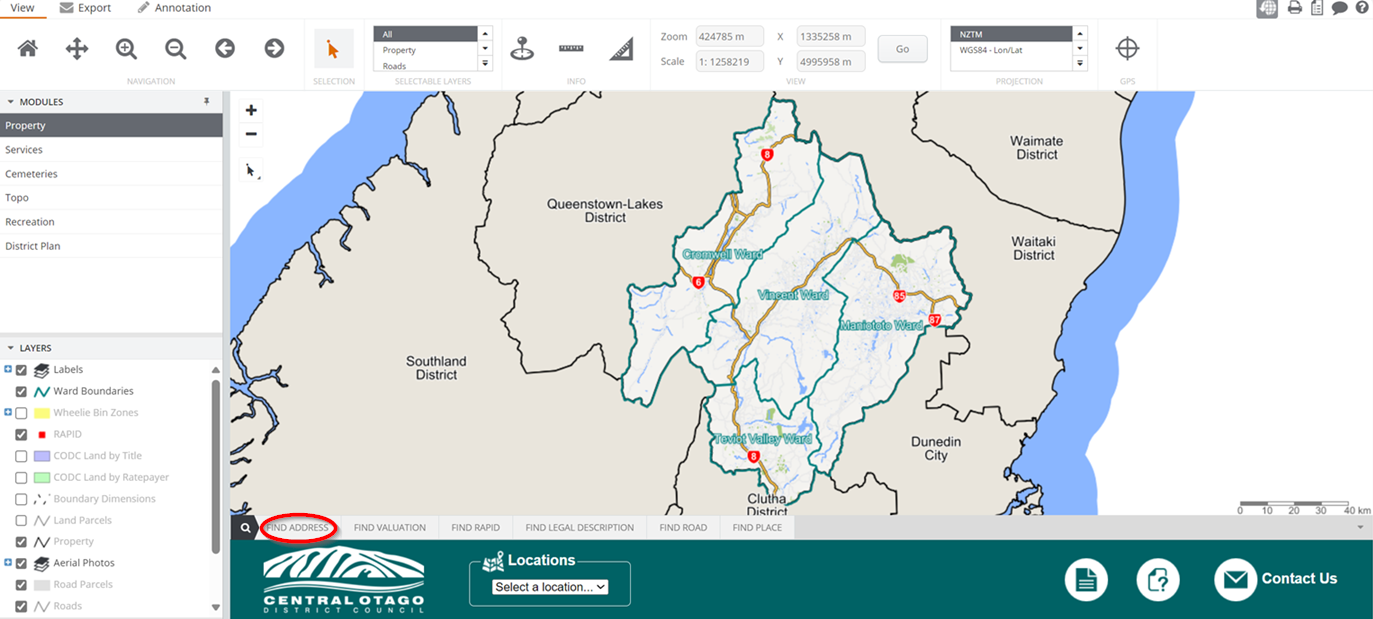
3. Search the property address that the consent relates to in the 'Find Address' box, select the address from the drop down box and hit SEARCH
4. In the MODULES column on the left-hand side, select 'Services'
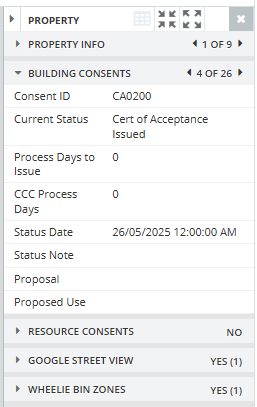
5. On the right-hand side column, go to the 'Building Consents' or 'Resource Consents' tabs. This will show any consents for the property and up-to-date information.
If you cannot find the right building consent number you may need to use the arrows to search through